The Complete Guide to Video File Formats: Containers, Codecs, Color, Bitrate & Transparency
Video files are not simple.
A single video file contains multiple independent technical layers—each with tradeoffs that affect quality, compatibility, file size, performance, and scalability. Understanding these layers is essential for anyone publishing video at scale or standardizing production across teams.
This guide explains how video formats actually work, from containers and codecs to color, bitrate, and transparency.
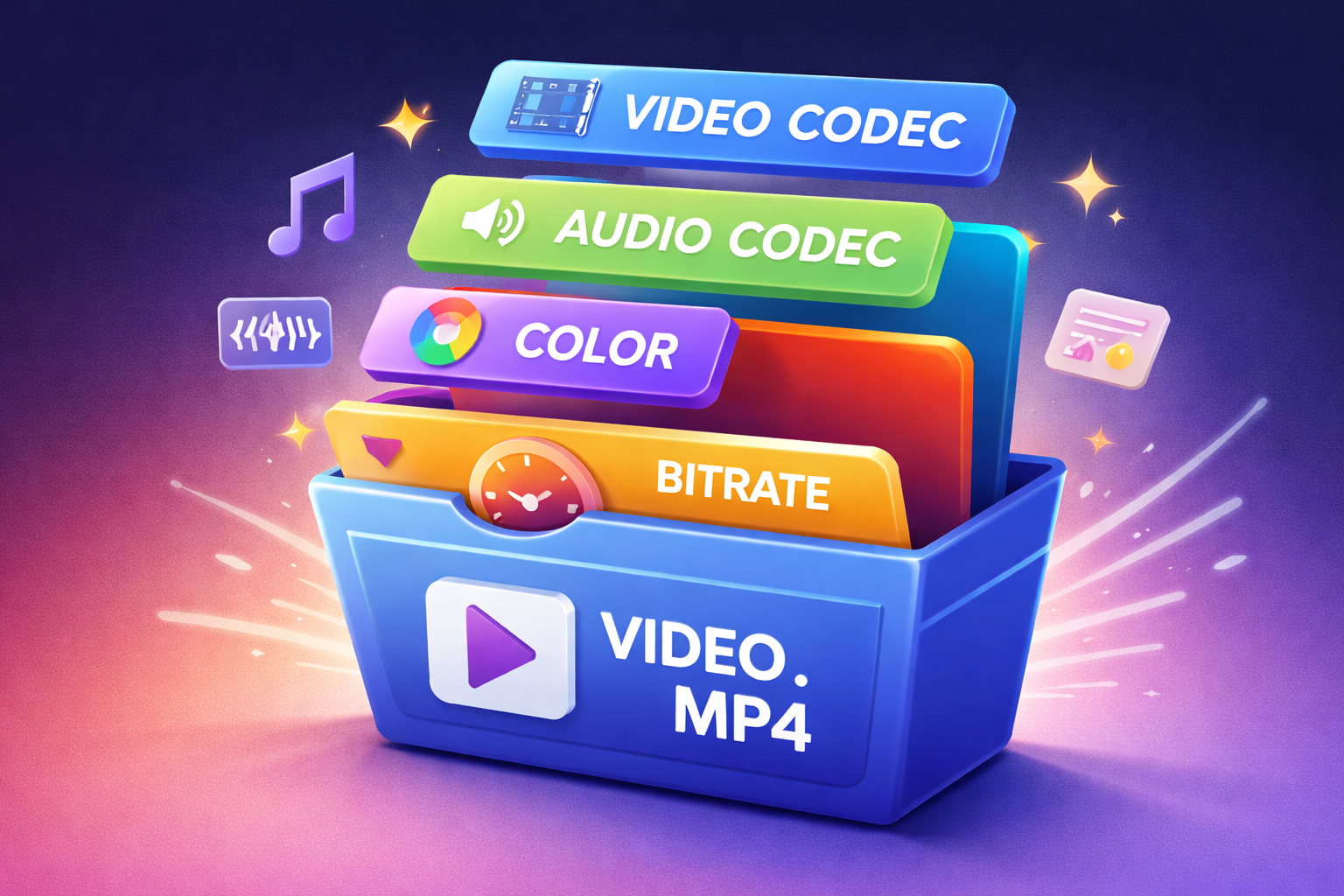
How a Video File Is Structured
Every video file is composed of stacked layers:
- Container – the wrapper (
.mp4,.mov,.webm) - Video codec – how frames are compressed
- Audio codec – how sound is compressed
- Color model & pixel format – how color is stored
- Bitrate & rate control – how much data is allocated
- GOP / keyframes – how frames reference each other
- FPS (frame rate) – how often frames are displayed
- Captions & text tracks – accessibility and metadata
- Metadata – HDR info, timecode, compliance data
Changing one layer does not automatically change the others—so format decisions should be intentional.
Video Containers (File Wrappers)
A container packages video, audio, subtitles, and metadata into a single file. It does not determine compression or quality.
Common Containers
| Container | Extension | Typical Use | Transparency |
|---|---|---|---|
| MP4 | .mp4 | Web, social, streaming | ❌ No |
| MOV | .mov | Editing, Apple workflows | ✅ Yes |
| WebM | .webm | Web playback | ✅ Yes |
| MKV | .mkv | Archival, advanced use | ⚠️ Codec-dependent |
| AVI | .avi | Legacy | ⚠️ Limited |
| MXF | .mxf | Broadcast | ⚠️ Codec-dependent |
Transparency Support (Alpha Channels)
Transparency requires both container and codec support.
| Container | Codec | Alpha Channel |
|---|---|---|
| MOV | ProRes 4444 | ✅ |
| MOV | Animation | ✅ |
| WebM | VP8 | ✅ |
| WebM | VP9 | ✅ |
| WebM | AV1 | ✅ |
MP4 does not support alpha channels, regardless of codec or encoder.
Video Encoding Formats (Codecs)
A video codec defines how image data is compressed and decompressed.
| Codec | Compression | Quality | Hardware Decode |
|---|---|---|---|
| H.264 (AVC) | Lossy | High | ✅ Excellent |
| H.265 (HEVC) | Lossy | Very High | ✅ Modern devices |
| VP9 | Lossy | Very High | ⚠️ Partial |
| AV1 | Lossy | Excellent | ⚠️ Emerging |
| ProRes | Near-lossless | Excellent | ❌ Limited |
| DNxHR | Near-lossless | Excellent | ❌ Limited |
H.264 remains the safest and most compatible delivery codec.
Resolution, Display Aspect Ratio (DAR), and Pixel Aspect Ratio (PAR)
Resolution alone does not fully define how a video is displayed.
A video file can store how many pixels exist, how those pixels should be interpreted, and how the image should be stretched on playback—as three separate concepts.
Understanding the difference between resolution, DAR, and PAR prevents stretched, squashed, or misaligned video.
Resolution (Frame Size)
Resolution is the actual pixel grid stored in the file.
Examples:
- 1920 × 1080
- 1080 × 1920
- 1080 × 1080
This value is always stored in the video stream and represents the raw image dimensions.
Resolution answers:
“How many pixels are in each frame?”
Display Aspect Ratio (DAR)
DAR (Display Aspect Ratio) tells the player how the video should appear on screen, regardless of the stored pixel grid.
Example:
- Stored resolution:
1440 × 1080 - DAR metadata:
16:9
The player stretches the image horizontally so it displays as widescreen.
DAR is commonly used in:
- Broadcast workflows
- Legacy formats
- Some professional camera outputs
DAR answers:
“What shape should this video appear as when viewed?”
Pixel Aspect Ratio (PAR)
PAR (Pixel Aspect Ratio) defines the shape of individual pixels.
| PAR | Meaning |
|---|---|
| 1:1 | Square pixels (web standard) |
| ≠ 1:1 | Non-square pixels (legacy/broadcast) |
When PAR is not 1:1, pixels are stretched during playback to achieve the correct display shape.
PAR answers:
“Are pixels square or stretched?”
How These Three Work Together
A video may contain:
- A stored resolution
- A pixel aspect ratio
- A display aspect ratio
All three can combine to determine final playback.
Example:
- Resolution: 1440 × 1080
- PAR: 1.33
- Resulting display: 1920 × 1080 (16:9)
This flexibility is powerful—but dangerous when moving video between systems that interpret metadata differently.
Best Practices for Web & Social Video
For modern delivery (LinkedIn, YouTube, internal platforms):
- Use square pixels (PAR = 1:1)
- Match resolution directly to desired aspect ratio
- Avoid relying on DAR metadata
- Encode exactly what you want displayed
| Platform Type | Recommended Approach |
|---|---|
| Web & Social | Square pixels, no DAR |
| Editing | Match timeline resolution |
| Broadcast | DAR/PAR acceptable if required |
Most “stretched video” bugs happen because a platform ignores or misreads DAR/PAR metadata.
Audio Encoding Formats
Audio streams are compressed separately.
| Codec | Compression | Quality | Typical Use |
|---|---|---|---|
| AAC | Lossy | High | Web, social |
| MP3 | Lossy | Medium | Legacy |
| Opus | Lossy | Excellent | Streaming |
| PCM | None | Perfect | Editing |
| FLAC | Lossless | Perfect | Archival |
Audio Sample Rate & Loudness (Often Overlooked)
Audio problems are one of the fastest ways to make professional video feel amateur.
Sample Rate
| Sample Rate | Use |
|---|---|
| 44.1 kHz | Music-focused workflows |
| 48 kHz | Standard for video |
48 kHz should be your default for all video exports.
Loudness Standards (LUFS)
| Platform | Target Loudness |
|---|---|
| Web / Social | ~ -14 LUFS |
| Broadcast | ~ -23 LUFS |
| Podcasts | ~ -16 LUFS |
If loudness isn’t normalized:
- Viewers turn volume up/down constantly
- Platforms apply aggressive re-normalization
- Engagement drops
Color Models: What YUV Means
Most video uses YUV (or YCbCr) instead of RGB.
| Channel | Meaning |
|---|---|
| Y | Luminance (brightness) |
| U | Blue-difference chroma |
| V | Red-difference chroma |
This allows heavy compression with minimal visible loss.
Chroma Subsampling
| Format | Color Detail | Common Use |
|---|---|---|
| 4:4:4 | Full | VFX, compositing |
| 4:2:2 | Medium | Broadcast |
| 4:2:0 | Reduced | Web, streaming |
Bit Depth
| Bit Depth | Colors | Typical Use |
|---|---|---|
| 8-bit | ~16M | SDR |
| 10-bit | 1B+ | HDR |
| 12-bit | 68B+ | Cinema |
Color Spaces
| Color Space | Use |
|---|---|
| Rec.709 | SDR delivery |
| Rec.2020 | HDR |
| sRGB | Web graphics |
| DCI-P3 | Cinema |
Bitrate: The Most Misunderstood Setting
Bitrate controls data per second, not resolution.
| Issue | Cause |
|---|---|
| Blocky video | Bitrate too low |
| Huge files | Bitrate too high |
| Uneven quality | Wrong rate mode |
Bitrate Modes
| Mode | Use |
|---|---|
| CBR | Streaming stability |
| VBR | Best quality/size |
| ABR | Balanced |
| CRF | Quality-based encoding |
FPS (Frame Rate)
| FPS | Typical Use |
|---|---|
| 24 | Cinematic |
| 30 | Business standard |
| 60 | Sports / fast motion |
Variable Frame Rate (VFR) vs Constant Frame Rate (CFR)
Many mobile devices and screen recordings default to VFR.
Why VFR Causes Problems
- Audio drift
- Caption misalignment
- Editing timeline instability
- Inconsistent playback
Recommendation
Convert VFR → CFR before editing or publishing.
For professional workflows, always deliver CFR.
Keyframes (GOP Structure)
Keyframes are full images used as reference points.
| Interval | Use Case |
|---|---|
| 1–2s | Social, LinkedIn |
| 2–4s | Web playback |
| 5s+ | Archival |
Shorter GOPs improve scrubbing and streaming reliability.
Captions, Subtitles & Text Tracks
Captions are no longer optional.
Caption Types
| Type | Description |
|---|---|
| Burned-in | Always visible |
| Sidecar | Separate file |
| Embedded | Inside container |
Common Formats
| Format | Use |
|---|---|
| SRT | Universal |
| WebVTT | Web players |
| TTML | Broadcast |
Best practice:
- Generate captions before final encode
- Preserve timing during CFR conversion
- Style captions consistently for brand and accessibility
Hardware Acceleration
| Codec | Hardware Support |
|---|---|
| H.264 | Excellent |
| HEVC | Very good |
| VP9 | Partial |
| AV1 | Improving |
Recommended Export Profiles
Web & Social (Default)
- MP4 / H.264
- AAC @ 48kHz
- 30fps, CFR
- Keyframes every 1–2s
- VBR or CRF
- Rec.709, 4:2:0
- Loudness ~ -14 LUFS
Transparency
- MOV or WebM
- ProRes 4444 or VP9
- Pixel format: YUVA
Final Takeaways
- Containers package; codecs compress
- MP4 does not support transparency
- Bitrate ≠ resolution
- CFR beats VFR for reliability
- Keyframes control seeking & streaming
- Loudness consistency matters as much as visuals
- Captions are part of delivery, not an afterthought
Understanding these fundamentals turns video from a black box into a predictable, scalable system.
Read more

Why Videospan Uses CMAF for Scalable Video Delivery
How CMAF lets Videospan run a unified HLS and DASH delivery pipeline with lower storage cost, cleaner DRM operations, and faster playback adaptation.

How CMAF Works: The Common Media Application Format Explained
A practical technical breakdown of CMAF, the segmented media format that lets HLS and DASH share files while improving cache efficiency, DRM workflows, and low-latency delivery.

How MPEG-DASH Works: A Technical Guide to Dynamic Adaptive Streaming
A practical explanation of MPEG-DASH, from MPD manifests and segment addressing to codec flexibility, DRM, live streaming, and how it compares with HLS.